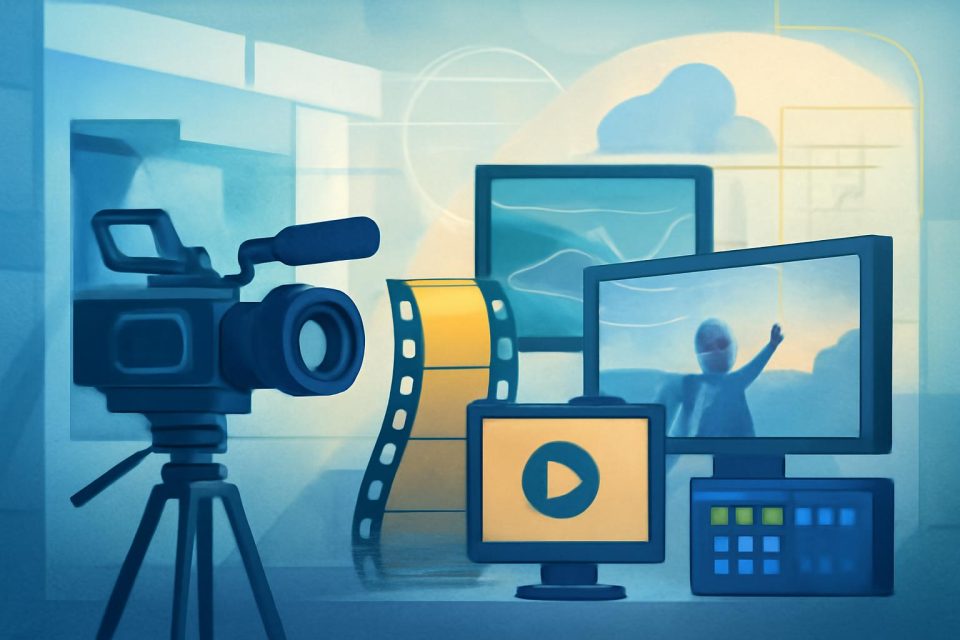
ChatGPT can generate original images from plain-language prompts. You can iterate quickly—request variations, adjust composition or size, or explore new visual directions—and produce production-ready assets in minutes.
This makes it easier to explore concepts, communicate ideas visually, and adapt existing assets for different audiences, formats, or channels.
## Writing effective image prompts
A good image prompt does not need to be long. In most cases, 1–3 clear sentences are enough. The goal is to help ChatGPT understand what the image is, how it should feel, and what it needs to accomplish.
In practice, this means grounding the prompt in a few key details: the purpose of the image, the main subject, what is happening, where it takes place, and the desired visual style. If framing, lighting, or specific constraints matter, include those too.
Clarity is more effective than clever phrasing—especially for details like layout, texture, materials, or light. For example, “soft natural light from a window on the left” will usually be more reliable than something vague like “beautiful lighting.”
Constraints are especially useful when something needs to stay fixed. If you do not want extra text, logos, or visual changes, state that directly. When editing an existing image, be explicit about what should change and what should stay the same. A prompt like “Change only X. Keep everything else exactly the same” is often the clearest way to guide a precise edit.
Try it out Create a simple but polished editorial illustration of a person learning a new AI skill at their desk. Include a laptop, notebook, books, sticky notes, and a few subtle markers of progress like completed checkboxes, highlighted sections, or an organized plan pinned nearby. The person should look focused and engaged, with the overall scene feeling calm, productive, and realistic. Use a clean, minimal background and a modern digital illustration style that feels approachable and neutral. Avoid logos and brand references, as well as sci-fi imagery, or anything overly abstract. (opens in a new window)
## Best practices to improve results
The best way to improve an image is usually through small, targeted revisions. Start by getting the core idea right, then adjust one element at a time. Direct, specific feedback is easier to follow than broad reactions, and repeating the most important details can help prevent the image from drifting as you refine it.
Examples of useful, actionable adjustments:
Step-by-step revisions help maintain consistency as you refine the image. You can also edit specific areas and provide targeted instructions.
## Advanced guidance
#### Using multiple uploaded images
You can upload multiple images to guide generation or editing, but a small set is usually easier to manage than a large one. Refer to each image by order and explain how they relate to each other.
For example: _“Image 1 is a photo of my desk setup. Image 2 is a style reference. Apply image 2’s clean, minimal illustration style to image 1, while keeping the same layout and objects.”_
When combining elements, use clear spatial language—such as left, right, foreground, and background—to describe relationships.
#### Text in images (titles, labels, headlines)
Text works best when instructions are very specific:
For example:_"Add the headline “WEEKLY PLAN” in bold sans-serif, white, centered at the top, 72pt. No other text."_
#### Infographics and dense layouts
Infographics are useful for explainers, posters, labeled diagrams, timelines, and “visual wiki” assets. For dense layouts or heavy in-image text, emphasize “sharp text rendering,” and consider polishing in design tools if needed.
## Additional considerations
## Continue learning with OpenAI Academy
Discover additional guides and resources to help you build practical AI skills.
Using projects in ChatGPT OpenAI Academy Apr 10, 2026
Using custom GPTs OpenAI Academy Apr 10, 2026
Using skills OpenAI Academy Apr 10, 2026
Our Research * Research Index * Research Overview * Research Residency * OpenAI for Science * Economic Research
Latest Advancements * GPT-5.3 Instant * GPT-5.3-Codex * GPT-5 * Codex
Safety * Safety Approach * Security & Privacy * Trust & Transparency
ChatGPT * Explore ChatGPT(opens in a new window) * Business * Enterprise * Education * Pricing(opens in a new window) * Download(opens in a new window)
Sora * Sora Overview * Features * Pricing * Sora log in(opens in a new window)
API Platform * Platform Overview * Pricing * API log in(opens in a new window) * Documentation(opens in a new window) * Developer Forum(opens in a new window)
For Business * Business Overview * Solutions * Contact Sales
Company * About Us * Our Charter * Foundation(opens in a new window) * Careers * Brand
Support * Help Center(opens in a new window)
More * News * Stories * Academy * Livestreams * Podcast * RSS
Terms & Policies * Terms of Use * Privacy Policy * Other Policies
(opens in a new window)(opens in a new window)(opens in a new window)(opens in a new window)(opens in a new window)(opens in a new window)(opens in a new window)
OpenAI © 2015–2026 Manage Cookies
English United States